Daily readiness
Open Telo to see your readiness score and how recovery, sleep, and workout load compare with your baseline.
 TELO
AI HEALTH COACH
Bring your Apple Health sleep, heart rate variability (HRV), and workouts together to understand how your body is doing each day.
For iPhone and Apple Watch
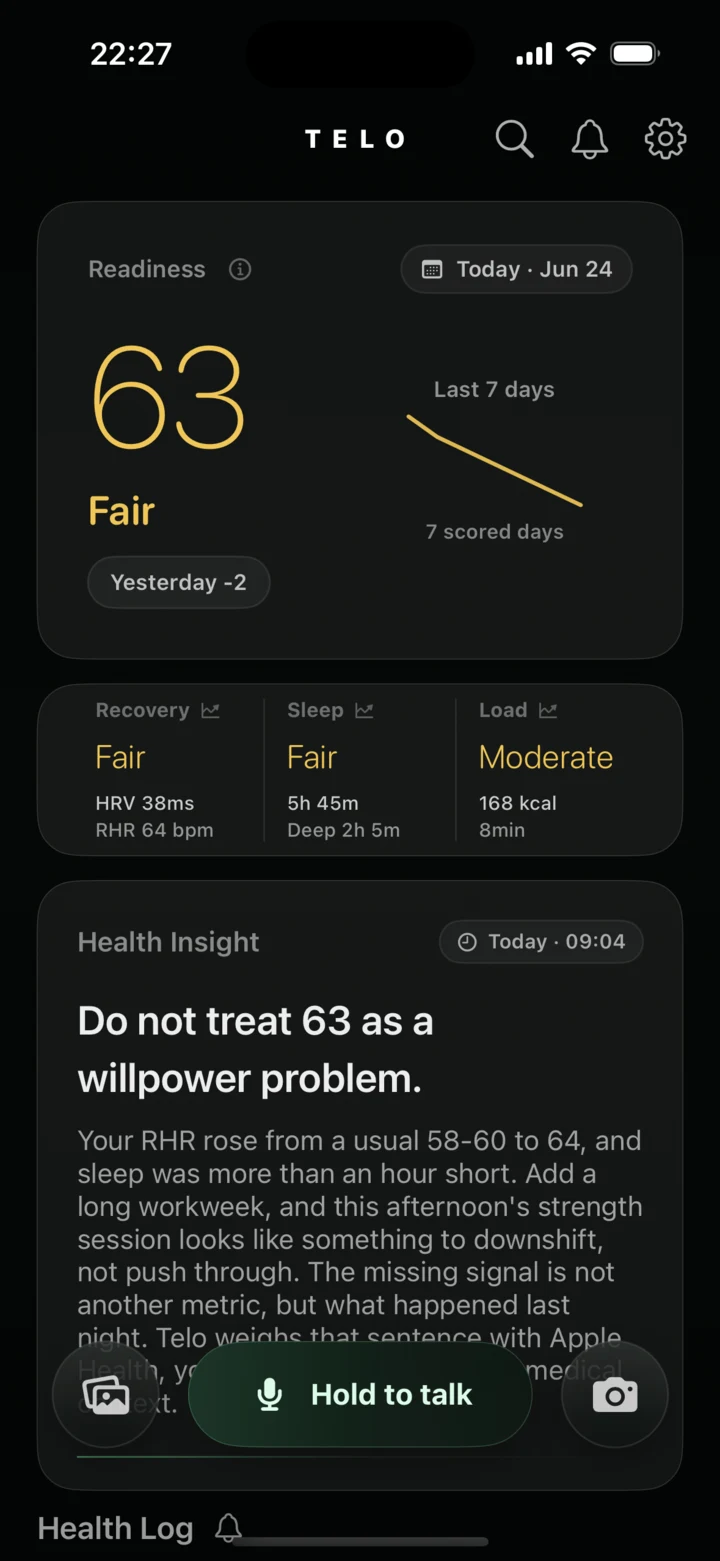
Open Telo to see your readiness score and how recovery, sleep, and workout load compare with your baseline.
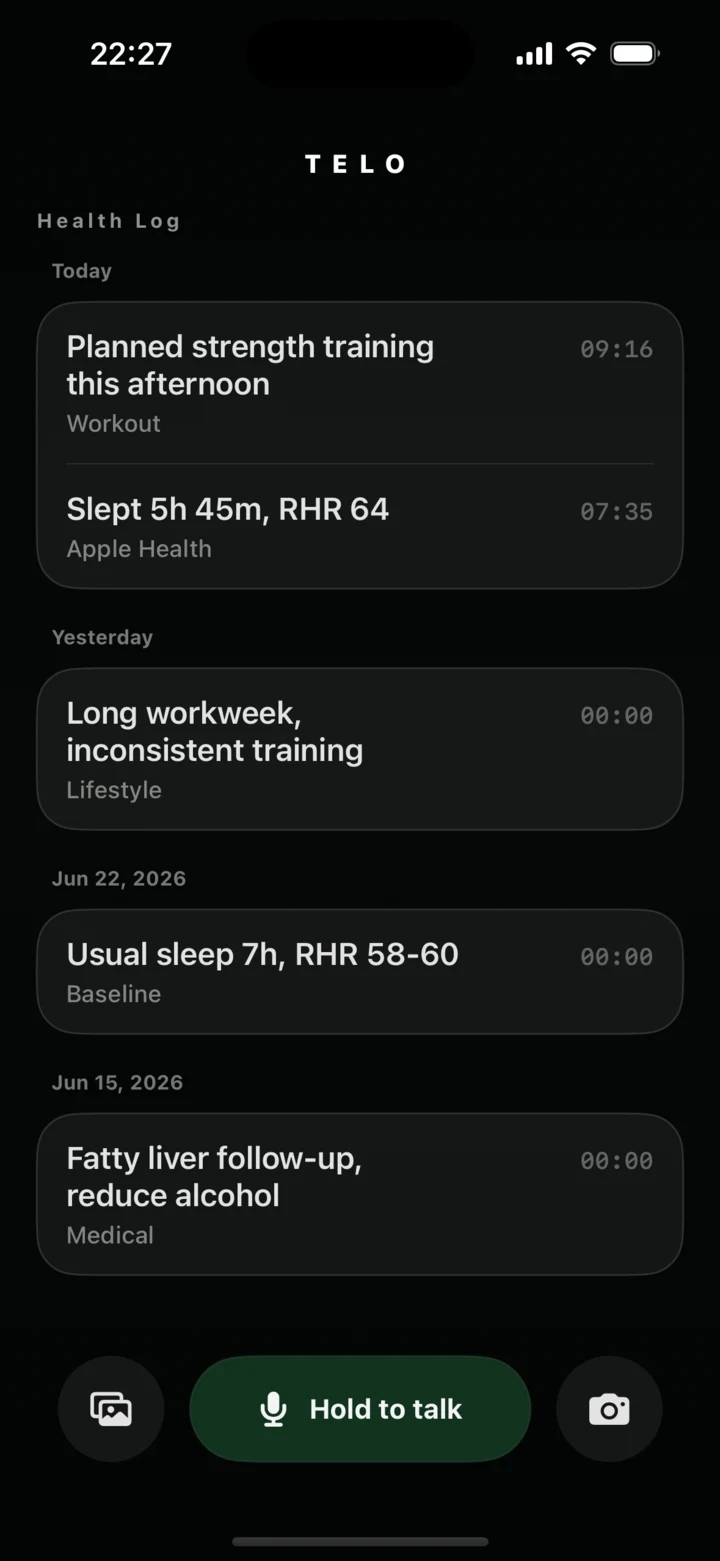
Sync workouts from Apple Health and log meals, stress, or daily events by voice, photo, or manual entry.
Review health trends alongside the events in your log, such as how sleep and recovery changed during a busy week.
Download
Telo Plugin
Plugin availability depends on your account and workspace. If your client supports custom MCP connections, add Telo using this URL, select OAuth if prompted, and enter your pairing code on the Telo authorization page.
https://api.incubator.blynkai.app/v1/health/mcp
Try asking after you connect “What changed in my sleep and workouts over the last two weeks?”
You can use Telo on iPhone. If you have an Apple Watch, Telo can use relevant data that has synced to Apple Health and that you’ve chosen to share.
Go to Settings → AI Assistant Access in Telo to review or revoke a connection. The authorization page shows what the assistant can access.
Telo provides general wellness, fitness, and lifestyle information. For diagnosis or treatment, consult a qualified healthcare professional.